
Advanced Lists
Aino LifeOS supports using LifeOS code blocks in Markdown to automatically index and aggregate data from across your entire vault.
LifeOS Code Blocks
Use the following syntax in your notes to insert dynamic lists:
Aino LifeOS parses the code block in real time, extracts matching data from the vault, and renders it as an interactive list.
Index by Time
The following code blocks are used in periodic notes, automatically extracting data based on the time range of the note:
These code blocks automatically determine the time range from the note's filename date. For example, TaskDoneListByTime placed in a weekly note automatically extracts tasks completed that week.
Index by Tag
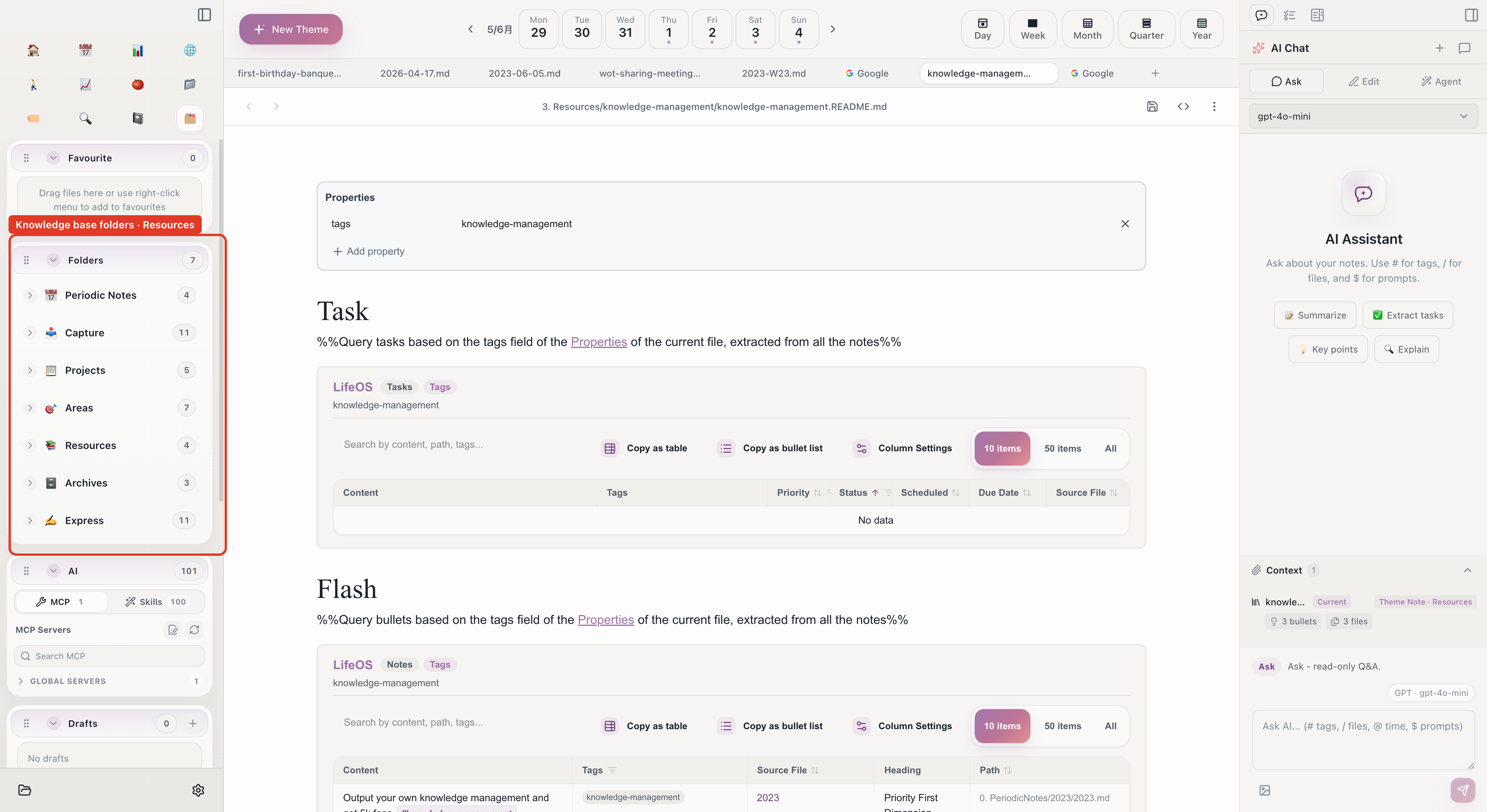
The following code blocks are used in theme notes, automatically extracting data based on the tags field in the note's Frontmatter:
Template Variables
In addition to code blocks, LifeOS provides template variables that execute automatically when a note is created:
These variables execute once at note creation time and generate static content. See Template Syntax for the full syntax.
List Features
Lists rendered by LifeOS code blocks support:
- Search -- Search for keywords within the list
- Sort -- Sort by time, name, etc.
- Filter -- Filter by status (completed/incomplete)
Related
- Periodic Notes -- Time-indexed code blocks are mainly used in periodic notes
- Theme Notes -- Tag-indexed code blocks are mainly used in theme notes