
Conducting Deep Research with Aino LifeOS
When you need to deeply research a topic — like "evaluate whether to migrate our project to React Server Components" — Aino LifeOS's features chain together into a complete research workflow.
Step 1: Set Up a Research Space in PARA
Create a dedicated folder in PARA's Resources category:
- Open the sidebar, navigate to
3-Resources/ - Right-click → New Folder →
React-Server-Components - Create a main note
RSC Research.mdin the folder
Step 2: Collect Materials with Built-in Browser
Open the built-in browser and start searching:
- Type search keywords in the quick switcher to Google them
- Open relevant articles one by one
- Find valuable content → select text → click the clip button → save to daily note
You might clip 10 items to your daily note in a morning. Each automatically includes the source URL.
Collect first, don't organize while reading. "Capture first, organize later" keeps your research focused.
Step 3: Let AI Organize for You
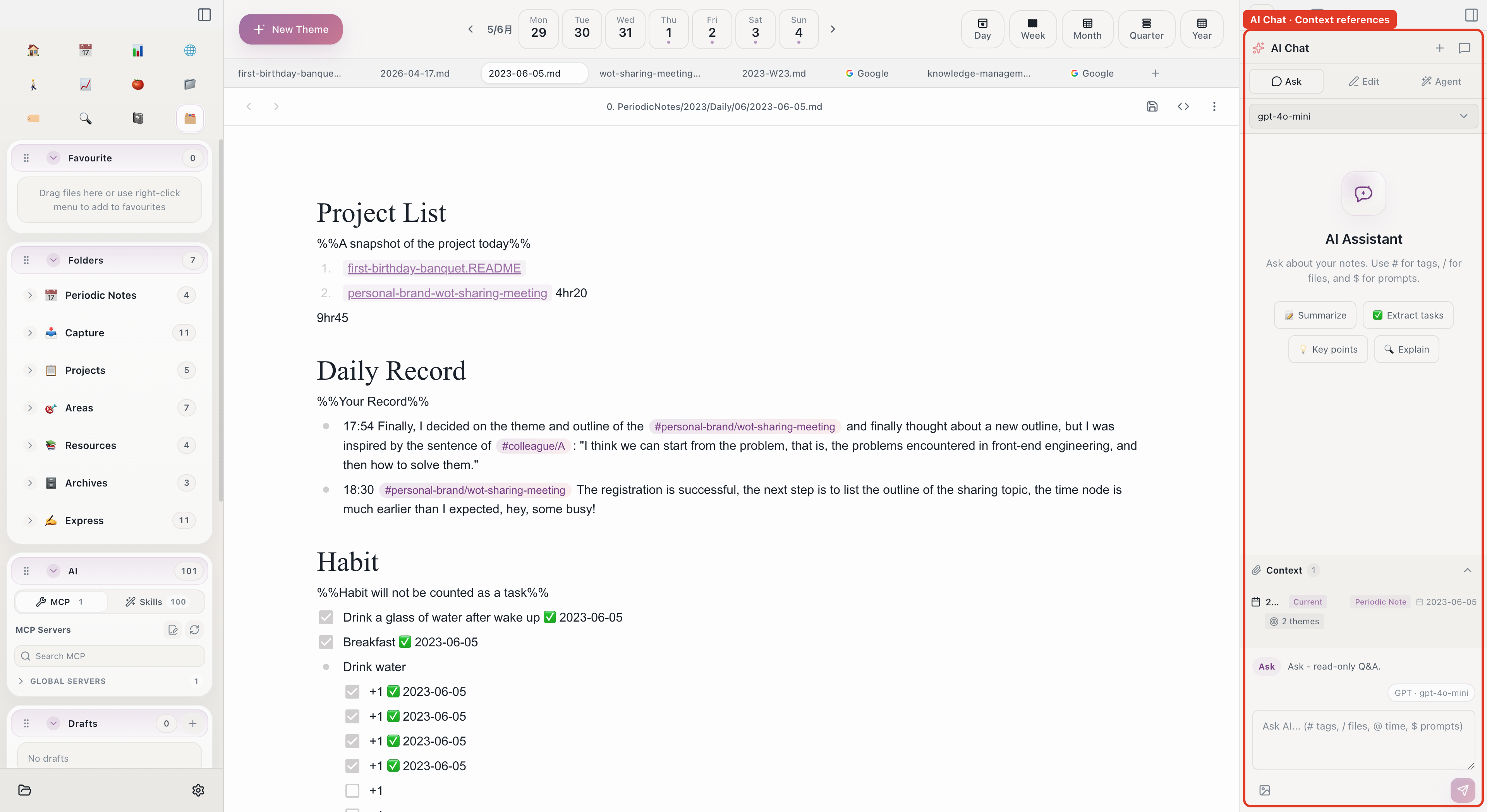
After collecting lots of raw material, use AI Chat to organize:
- Open the AI chat panel
- Use
#to reference today's daily note (containing all clipped content) - Type your prompt:
- AI returns structured analysis results
- Copy into the relevant sections of
RSC Research.md
Step 4: Deep Processing in the Editor
Open the editor for in-depth refinement:
- Use
[[wikilinks]]to connect to related project notes - Insert comparison tables:
- Use code blocks for technical details
- Add tags in Frontmatter:
Step 5: Deeper Analysis with AI Agent
If you've configured MCP servers (like filesystem access), use the AI Agent for deeper analysis:
- Open the AI Agent
- Type: "Analyze my current project's code structure and assess the RSC migration effort"
- The AI agent reads project code via MCP, analyzes component structure
- Returns a detailed migration assessment report
Step 6: Track Progress in Periodic Notes
Daily Notes
Record research progress in your daily note each day:
Weekly Summary
Summarize this week's research in your weekly note:
Step 7: Archive When Done
After reaching conclusions:
- If the conclusion is to start a migration project → move the research folder from
3-Resources/to1-Projects/ - If it's just knowledge storage → keep in
3-Resources/ - Add final tags and status to research notes
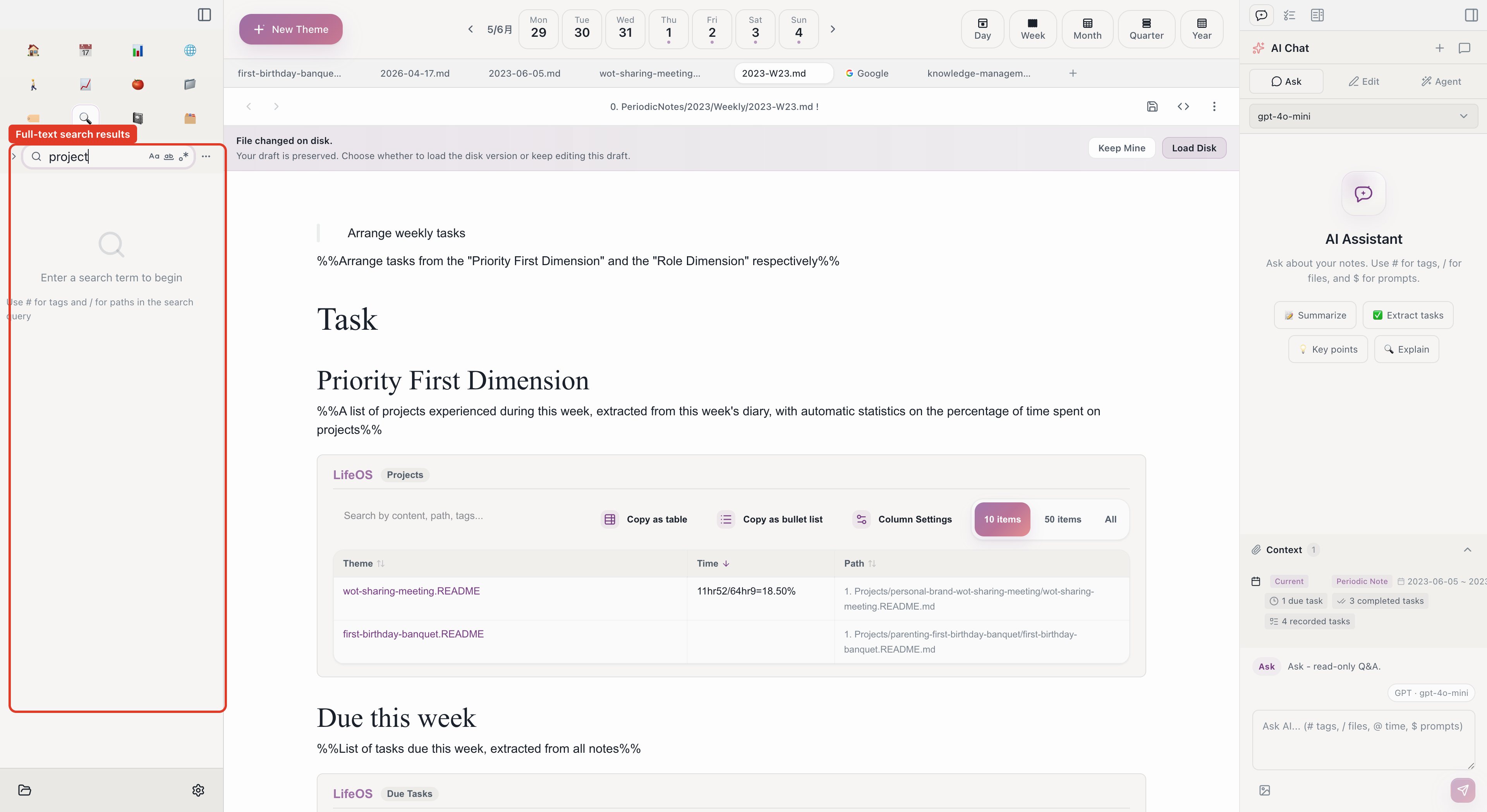
Use full-text search to find this research anytime.
Feature Flow
Aino LifeOS's advantage is information never leaves the app. From searching, reading, clipping, AI analysis to writing — everything happens in one window, avoiding attention fragmentation from switching between apps.
Start with Aino
Turn this approach into your everyday workflow
Try Aino Desktop Pro free for 7 days, open an existing Markdown vault, or start with the complete example vault from your email.
- 7-day free trial
- Portable Markdown
- Complete example vault by email